
7 days free, then $19 once. macOS 14 or later.

Pluck lives in your menu bar. Press ⇧⌘2, drag over anything on screen, and choose what it becomes: text, an image, a GIF, or a color. Faces are hidden as it copies, and every copy lands in a glass clipboard at the edge of your screen, ready to paste ⌘V.

0bytes of your screen uploaded. Everything runs on your Mac.
~30languages read, with on-device translation on macOS 15.
15+kinds of private detail spotted and offered for blurring.
$19once. No subscription, every 1.x update included.

Three things to learn

Drag with ⇧⌘2

Drag over anything, then choose Text, Image, GIF or Color from the bar under your selection, or press T, I, G or C. Press Space to take a whole window instead.

Watch it

Watch it land

Each copy flies into slot 1 of the clipboard at the edge of your screen, sorted into Text, Images, GIFs, Colors and Links. Faces are already pixelated.

About the clipboard

Paste in one click

Click Paste on anything in the clipboard and it goes into whatever app you're in. From the keyboard, ⌃⌘V opens it: search, arrows and Return, or ⌘1 to ⌘9.

Watch it

Packed with small powers you'll use every day

Grab text

// paused at 6:42
const res = await fetch(url)

Drag over a paused video, a screen share, a scanned PDF or a screenshot and press T. Headings and lists paste formatted in Notes, Mail and Docs, and plain in code editors.

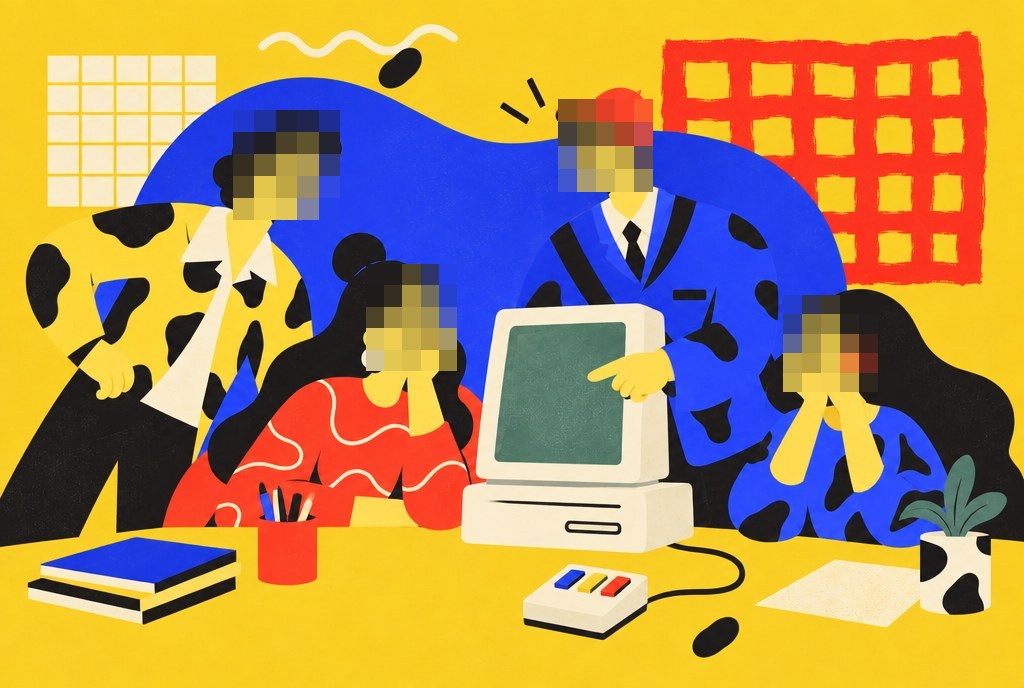
Faces hidden as you copy New

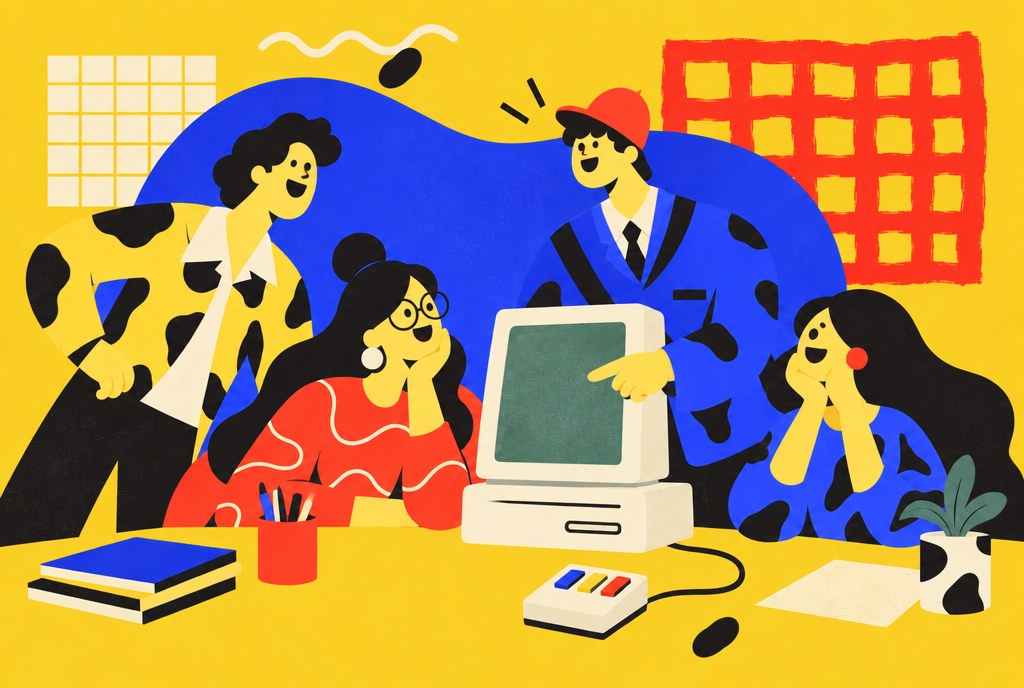
An illustration of four people at a computer, their faces pixelated
Copied · 4 faces hidden
Edit hidden areasUndo

Copy an image and Pluck pixelates faces, card and account numbers, emails, phones and addresses before it reaches the clipboard. It also spots ID numbers, one-time codes, passwords, recovery phrases and wallets. Choose what's hidden in Settings.

Blur your own areas

Net liquidity
$48,213.07
✓ Account numbersDone ↵

Choose Edit hidden areas after a copy, with a chip for each kind Pluck found. Drag a box over anything else, pick blur or pixelate, press Done. The original never lingers on the clipboard or in history.

Copy as image

Join the beta
Early access opens 14 Oct

Drag an area and press I. Or press Space and click a window to copy all of it, even the parts hidden behind others, without the shadow. Pastes at the size it had on screen.

Pick a color

#2F6BFF

Drag near the color and press C. A magnifier shows the exact pixel under your pointer; click to copy the hex code, or switch to rgb() in Settings.

Record a GIF New

● 0:04 / 0:15

Show the bug instead of describing it. Drag around what moves and press G: up to 15 seconds, copied ready for Slack, Messages or a ticket.

The clipboard New

ClipboardAll 4TextImagesColorswiki/Larry_TeslerPaste#2F6BFFWho invented copy and paste?

A glass panel at the edge of your screen with everything you copied, sorted into Text, Images, GIFs, Colors and Links. Click Paste and it goes into whatever app you're in. Fold it to a slim tab when you want the room. Password managers' copies are always skipped.

Collect

1beta.acme.dev/joinpasted214 October, 6 pm⌘V3BETA-7F2K

Copy five things, then each ⌘V pastes the next one in order. Or Paste all at once. The menu bar icon counts what's lined up.

Translate on copy

« Couper, copier, coller »
Text copied · French
Translate to EnglishUndo

Not just French: copy Spanish, German, Italian, Japanese, Chinese, Korean and more, and the confirmation offers a Translate button. It runs on your Mac, with Undo. Needs macOS 15 or later.

QR codes, PDFs and more

▣ QR on a slide
→ beta.acme.dev/join

Lease_signed.pdf
→ exact text, all pages

Decode QR codes and barcodes without your phone. Real PDFs give exact text instantly; copied screenshots and scans go through OCR. ⌥⌘2 grabs the same spot again.

Privacy

Your screen stays on your Mac. Nothing to sign up for, nothing uploaded.

[ On device ]

Text, faces, private details, colors and translation all run on Apple's own on-device frameworks.

[ When asked ]

Pluck looks at your screen only when you press the shortcut, and only at the area you pick.

[ No account ]

Your license key is the only thing we know about you. No analytics.

[ Your history ]

Stored on this Mac, deleted after 30 days by default. Secrets and password-manager copies are never written.

Pricing

Try it properly. Then pay once.

Free trial

$0 for 7 days of use
  • Every feature
  • No card, no account
  • Days you don't use it don't count
Download

Pluck Most picked

$14$19 once · 1 Mac

Launch price. $19 after launch week.

  • Everything, yours to keep
  • Every 1.x update included
  • Move it between Macs anytime
  • Full refund within 14 days
Buy Pluck

Family

$29$39 once · 5 Macs

Launch price. $39 after launch week.

  • Everything in Pluck
  • For the whole household or a small team
  • Every 1.x update included
Buy Family

Students and teachers get 50% off. Email us from your school address.

Frequently asked questions

What is Pluck?

A menu bar app that copies anything you can see on your Mac: text from videos, images, PDFs and screen shares, plus images, colors and GIFs. You drag over something, choose what it becomes, and it lands in a glass clipboard at the edge of your screen. Faces and private details are hidden as it copies.

Does it hide faces automatically?

Yes. When you copy an image, faces, account and card numbers, and emails and phone numbers are pixelated as it's copied. Turn any of them off in Settings. Choose Edit hidden areas or Undo from the confirmation, and outline anything else yourself.

How do I copy a whole window?

Press ⇧⌘2, then Space. Windows light up as you move over them; click one to select all of it, then choose Image, Text or GIF. Press Space again to go back to dragging an area.

Is my screen sent anywhere?

No. Everything runs on your Mac with Apple's own frameworks. Pluck only looks when you press the shortcut, and only at the area you pick.

Why does it ask for Screen Recording and Accessibility?

Pluck asks for both while you set it up, so nothing interrupts you later. macOS asks for Screen Recording whenever an app reads pixels, screenshot tools included. Accessibility lets Pluck paste for you when you click Paste in the clipboard. Without it, Pluck copies and you press ⌘V.

Can I change or turn off the sound?

Yes. Each copy lands with a soft pluck by default. Settings › General has a few others, or none.

How does the free trial work?

Every feature, for 7 different days on which you actually grab something, however far apart. No card needed.

How do updates work?

Pluck checks for updates about once a day and asks before installing. Click Install Update and it restarts on the new version, with your license, settings and history kept. Every 1.x update is included. If there's ever a Pluck 2, it'll be an optional upgrade with a discount for owners, and 1.x keeps working.

Can I move my license to a new Mac?

Yes. Choose Deactivate this Mac in Settings › License on the old Mac, then enter your key on the new one.

Changelog

What's new in each version. Pluck updates itself and shows these notes before it installs.

1.0Launch
  • Press ⇧⌘2, drag over anything, then choose Text, Image, GIF or Color from the bar under your selection.
  • Press Space while capturing to copy a whole window.
  • A glass clipboard at the edge of your screen, sorted into Text, Images, GIFs, Colors and Links, with one-click Paste.
  • Faces, card and account numbers, emails, phones and addresses hidden as you copy an image.
  • Translate copied text on your Mac (macOS 15 or later).
  • Record GIFs up to 15 seconds, pick colors as hex or rgb(), decode QR codes and read PDFs.